
About Your Photos on the Eastside Camera Club Past Events Page
Each photo you submit to a meeting of the Eastside Camera Club will automatically appear on the Past Events page unless you ask for it not to appear. Send an email to EccMacombMi@gmail.com if you'd like me to remove one or several or all of your photos from the website.
If I recognize a submitted photo as one taken on the date of a Group Shoot, and the content appears to match the Group Shoot location(s), I'll add it to the slide show for that Group Shoot. This is a partially-manual process by me, and subject to errors. If I've failed to identify one of your Group Shoot photos, send me an email at EccMacombMi@gmail.com and I'll fix my mistake. Also, if you strip out your EXIF data (which includes the date the photo was taken), then it won't be identified as a Group Shoot photo.
All of your photos on the Eastside Camera Club website retain your own copyright, and we reinforce that copyright through our copyright statement:
All images appearing on this Eastside Camera Club website are owned and copyright by the individual attributed photographers. Federal law states that no copyrighted image may not be used in any manor without express written permission from the copyright owner, including prohibition against copying, transmitting, publishing, storing, reproducing, or using any copyrighted image as a basis for any artwork or illustration.
Contact the Eastside Camera Club at EccMacombMi@gmail.com if you would like to inquire with a specific photographer about the use of an image, and we will ask that photographer to contact you.
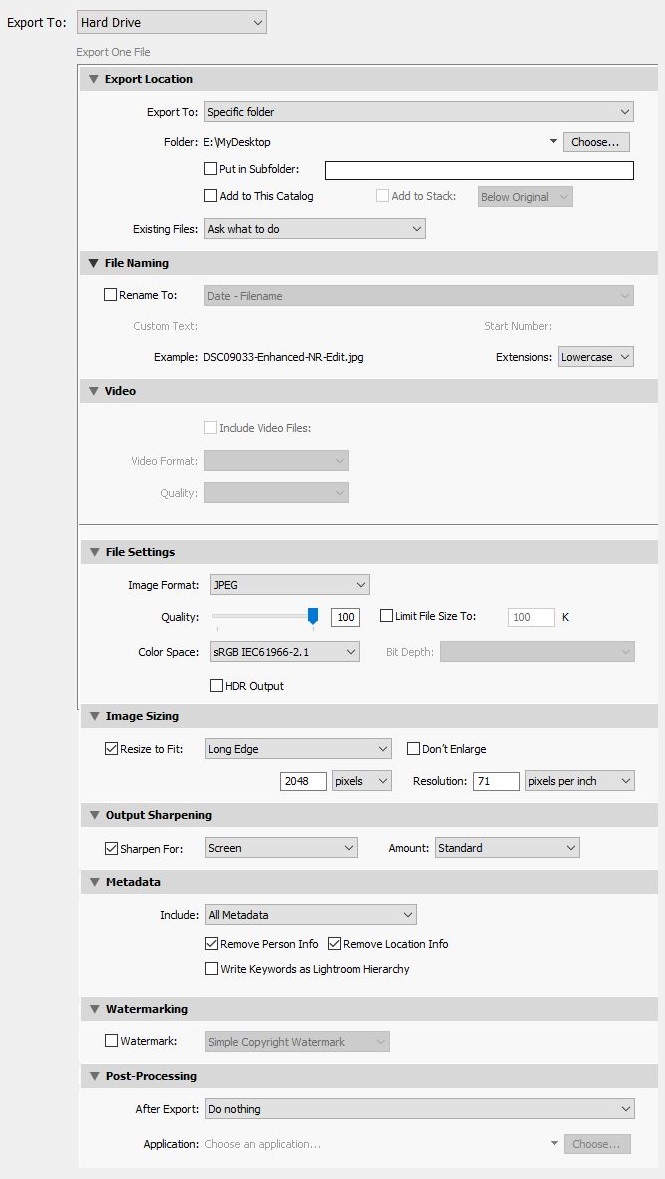
For your own copyright protection, please submit photos with no more than 2048 pixels on the wide edge, and include your copyright information in the photo's metadata. Please include your camera settings in the metadata of your photos so that others can see and learn from them during the club meetings and while reviewing your photos on the website.
Here are three tips to make your photos display great data on our website.
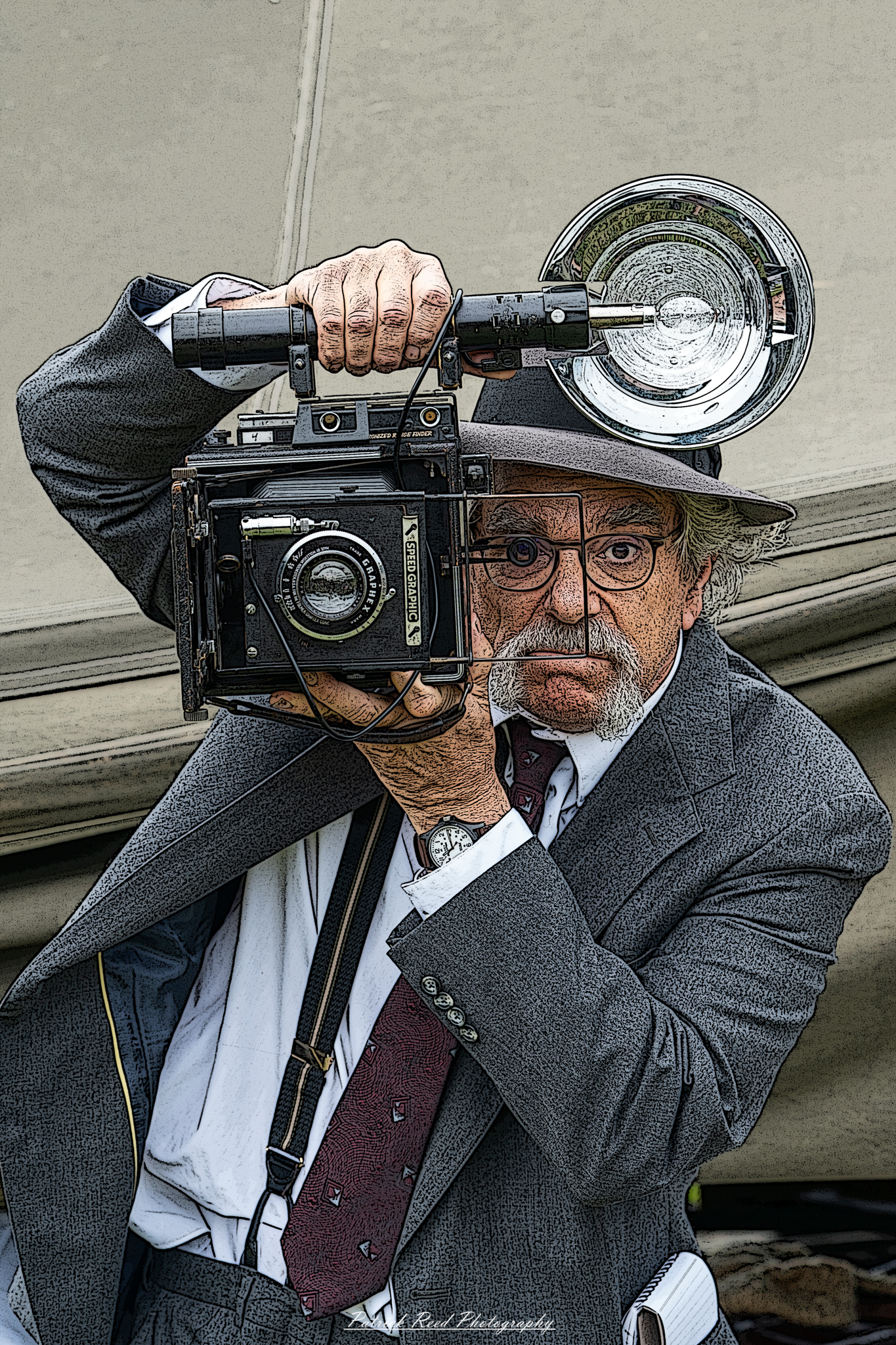
When you click a thumbnail on our Past Events Page, all the photos submitted to that meeting or pertaining to that group shoot are displayed. If you click one of those photos, it enlarges to fill much of the screen and lets you move from photo to photo, or startup an automatic slide show. But I'd like to draw your attention to the text below the enlarged photos. Here is an example of what can potentially appear using the 3 tips below.
To have that information shown, you must supply the info within the photo you export for display during the meeting:
Bonus tip: on the Past Events Page type your name into the search box, then hit the Search button, and you'll see all the photos you've ever submitted to the club. Do this on your phone, and you can show your club photos to your friends! Search works for any exact-matchig word, partial word, or phrase in the filename, like 'tuscany' or 'owl', not just people's names.